የ12ኛ ክፍል የመረጃ ቴክኖሎጂ ምዕራፍ 5
Network commands: one question each
4 ደቂቃ · የተሠሩ 2 ያለፉ የፈተና ጥያቄዎች
የትምህርቱ ክፍሎች
ትምህርቱን ከዚያ ጀምሮ ለማጫወት አንድ ክፍል ይንኩ።
የ12ኛ ክፍል የመረጃ ቴክኖሎጂ ምዕራፍ 5 የ4 ደቂቃ የ Temari ቪዲዮ ትምህርት፦ Network commands: one question each። 2 ያለፉ የፈተና ጥያቄዎችን ደረጃ በደረጃ ይሠራል። ትምህርቱ የሚናገረው ሁሉ ከቪዲዮው በታች ተጽፏል። ትምህርቱ በእንግሊዝኛ ነው።
ስለ ምዕራፍ 5 ተጨማሪ
የምዕራፉ ገጽ Temari በዚህ ምዕራፍ ላይ ያለውን ሌላውን ይዟል፤ ለምሳሌ አጭር ማስታወሻዎችና የመልመጃ ጥያቄዎች ከመልሶቻቸው ጋር።
የምዕራፍ 5 ገጽ ይክፈቱትምህርቱ የሚናገረው ሁሉ
የትምህርቱ ቃላት በየክፍሉ። ትምህርቱን ከዚያ ጀምሮ ለማጫወት ሰዓቱን ይንኩ።
0:00Introduction
When a network fails, guessing wastes time. Windows has small commands that tell you what is going on. Each one answers one question. Learn which question, and you will pick the right tool every time.
0:14Start with your own computer
Network troubleshooting starts with one step: identify the problem. You gather information about the network, using the tools you have. On a Windows computer, many of those tools live in the command prompt. Open it by typing cmd.
First command: ipconfig. It shows your own computer's settings: its IP address, its subnet mask, and its default gateway. Second command: ping. It sends a datagram to another host. If the network works, that host sends the datagram back. A good first test is to ping your default gateway, the address ipconfig just showed you.
0:58Where it breaks, and names
If ping fails, where is the break? Use tracert. It finds the route your data takes to reach a destination. So it helps you see where in the network the packets are being lost.
Two more. nslookup is a Domain Name System tool. Give it a hostname, and it shows the IP address. Give it an IP address, and it shows the name. And netstat shows the status of each active network connection, so you can see what services are running.
1:30Practice question 1ያለፈ ፈተና
Here is a practice question. Which TCP/IP command-line tool determines the exact path data takes to reach a destination, and helps pinpoint where packet loss occurs? Pause the video, and try it.
The question asks for the path, and for where packets are lost. That is the route, so tracert. The answer is A. Netstat lists active connections. Nslookup matches names and addresses. And ping only tells you whether a host answers, not which way the data went.
2:12One question each
So here is the whole set. ipconfig: what are my own settings? Ping: does that host answer? tracert: which route, and where are packets lost? nslookup: which address goes with this name? netstat: which connections are active?
2:33Practice question 2ያለፈ ፈተና
Try this one. Which command-line utility is specifically designed to query Domain Name System records, and display the IP address of a hostname, or vice versa? Pause, and try it.
A name to an address, and back again: that is nslookup. The answer is B. Netstat shows active connections. Ipconfig shows your own settings. And ping only tests whether a host answers.
3:08Summary
So remember. ipconfig shows your own settings. Ping checks that a host answers. tracert follows the route, and shows where packets are lost. And nslookup matches a name with its IP address. Keep practising questions like these on Temari.et.
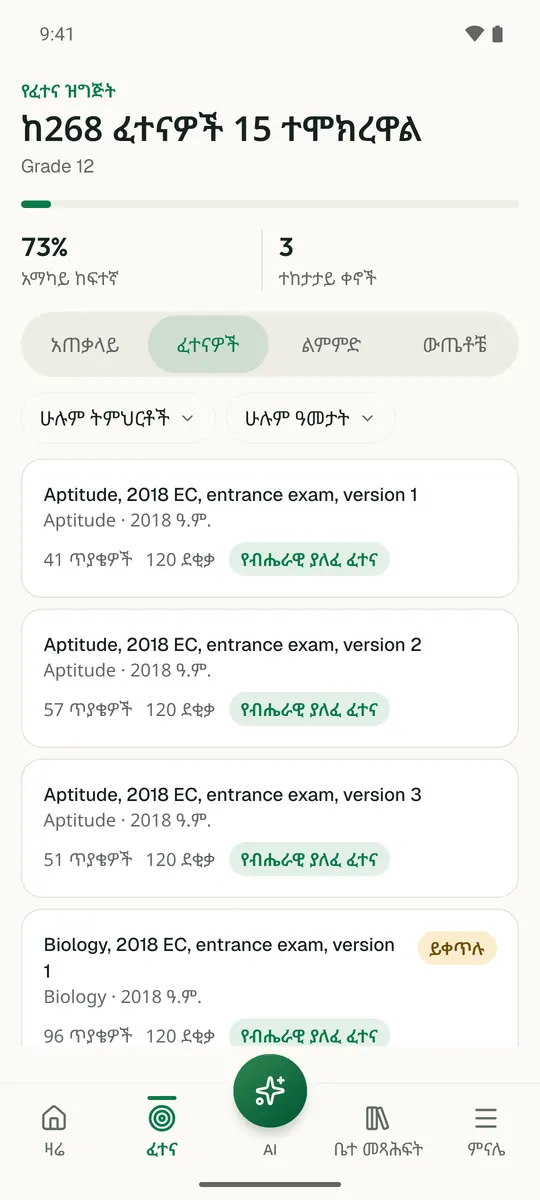
ይህን ምዕራፍ በመተግበሪያው ይለማመዱ
Temari ይህን ምዕራፍ ወደ ጊዜ የተቆረጠለት መልመጃ ይለውጠዋል፣ እየሠሩ ያርምዎታል፤ ያልገባዎትንም የሚያብራራ የ AI አስተማሪ አለ።
በነጻ ይጀምሩ
Temari.et ለ Android ስልኮች መተግበሪያ አለው፤ በ Google Play ላይ በነጻ ይገኛል።