How to open your result
Open the result page
Go to result.ethernet.edu.et. It is the Ministry of Education's national examination result page, and it carries several examinations, so you land on a list rather than on your score.
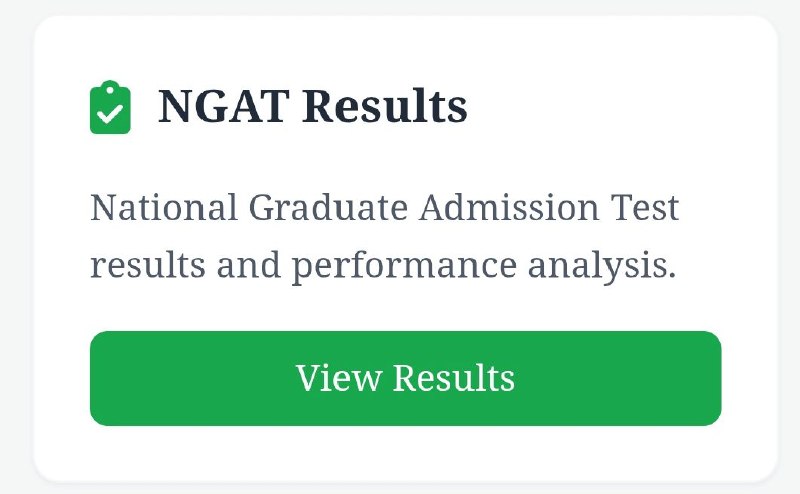
Choose NGAT Results
Find the card headed NGAT Results and press the green View Results button on it. If you end up somewhere else, the Back to Categories link at the top of the page returns you to the list.
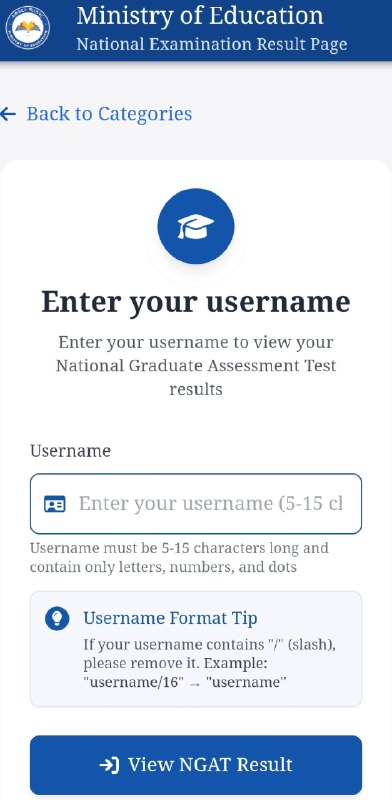
Enter your username
The next screen asks for a username and nothing else. Type the one you registered under, press View NGAT Result, and your score opens.
The examination this result comes from
The National Graduate Admission Test ran over two days, ነሐሴ 20 and 21, 2018 E.C., which is 26 and 27 August 2026. Those were the dates printed on the entrance tickets, and the result notice now confirms them as the days the test was sat.
How the tickets were downloaded and what each one carried is in NGAT entrance tickets can now be downloaded. Why some candidates travelled to a university they had not registered at is in Some NGAT candidates have been moved to a different university.
Sources
Every figure and date above comes from one of these. Open them; a story about your child's school is worth checking.