
Grade 12 results are out. Where to check yours

Unit notes and practice questions

Grade 12 Information Technology unit 4: Web Authoring

Everything here is for unit 4 of the Grade 12 Information Technology textbook: what the chapter covers, the short notes, practice questions with their answers, and the lesson video where one exists.

Get it on Google Play
3
Cards
9
Practice questions on unit 4
100–134
The textbook pages for unit 4

What unit 4 covers

  1. 1.Introduction to XML
  2. 2.Elements of XML Documents
  3. 3.Creating XML Documents
  4. 4.HTML vs. XML
  5. 5.Advantages and Disadvantages of XML
  6. 6.Publishing Website

Short notes for unit 4

The cards filed under this chapter on the Grade 12 Information Technology page. Open one at a time.

When you use it

Reach for this card when debugging or correcting non-functional XML code snippets in exam questions.

Watch out

Common fatal errors include improperly nested overlapping tags, omitting quotes around attribute values, and having multiple root elements.

Drafted from Grade 12 Information Communication Technology, pages 100-134, then checked twice before it went up

Entity ReferenceCharacterMeaning
&lt;<less than
&gt;>greater than
&amp;&ampersand
&apos;'apostrophe
&quot;"quotation mark

When you use it

Use this table when reserved characters such as angle brackets or ampersands must appear inside XML element content.

Watch out

The characters < and & are strictly illegal inside XML character data and must always be replaced by &lt; and &amp;.

Drafted from Grade 12 Information Communication Technology, pages 100-134, then checked twice before it went up

When you use it

Use these rules to construct valid XML documents and check for syntax compliance.

Watch out

XML element names cannot start with the letters XML or contain spaces, and tag names must match exact letter casing.

Drafted from Grade 12 Information Communication Technology, pages 100-134, then checked twice before it went up

Practice questions on unit 4

9 multiple-choice questions written against this chapter, each with its answer and the reason. Try one before you open the answer.

Question 1

What does the acronym XML stand for?

  1. A.Extensible Markup Language
  2. B.External Modern Language
  3. C.Extra Media Link
  4. D.Extended Main Layout
Show the answer and why

Answer: A Extensible Markup Language

Why

XML stands for Extensible Markup Language, which is used to structure, store, and transport data.

Question 2

Unlike HTML, which is used to display data, what is the primary purpose of XML?

  1. A.Designing graphical user interfaces
  2. B.Storing and structuring data for exchange
  3. C.Compiling programming source code
  4. D.Formatting font styles in web browsers
Show the answer and why

Answer: B Storing and structuring data for exchange

Why

XML is designed to structure and store data for exchange across different platforms, rather than formatting how the information looks on a screen.

Question 3

Which file in a website root directory is returned by default by web servers if no specific page name is typed in the URL?

  1. A.style.css
  2. B.script.js
  3. C.index.html
  4. D.about.html
Show the answer and why

Answer: C index.html

Why

Web servers are configured by default to return the index.html home page if no specific file name is specified.

Question 4

Which top-level domain extension is used for government institutions, such as in moe.gov.et?

  1. A..edu
  2. B..gov
  3. C..org
  4. D..com
Show the answer and why

Answer: B .gov

Why

The domain extension .gov is reserved for government institutions.

Question 5

Which two characters are strictly illegal inside XML text data and must be replaced by entity references to avoid parser errors?

  1. A.< and &
  2. B.> and "
  3. C.' and ;
  4. D.= and /
Show the answer and why

Answer: A < and &

Why

Only the characters < (less than) and & (ampersand) are strictly illegal in XML text because the parser interprets them as the start of a tag or entity.

Question 6

What does PCDATA stand for in an XML Document Type Definition (DTD)?

  1. A.Program Character DATA
  2. B.Parsed Character DATA
  3. C.Predefined Content DATA
  4. D.Primary Code DATA
Show the answer and why

Answer: B Parsed Character DATA

Why

PCDATA stands for Parsed Character DATA, which is the text found between the start and end tags of an XML element.

Question 7

Why does an Ethiopian organization need an SSL Certificate when publishing a secure website with HTTPS?

  1. A.It automatically converts XML data into HTML format.
  2. B.It encrypts data in transit between the visitor and the server to protect private information.
  3. C.It reduces the size of image files stored on the server.
  4. D.It gives free domain name registration for all top-level domains.
Show the answer and why

Answer: B It encrypts data in transit between the visitor and the server to protect private information.

Why

SSL (Secure Sockets Layer) provides a secure connection by encrypting information in transit to prevent unauthorized reading or interception.

Question 8

What technology serves as a style sheet to transform and render XML documents, just as CSS does for HTML?

  1. A.XSL
  2. B.DTD
  3. C.SQL
  4. D.RTF
Show the answer and why

Answer: A XSL

Why

XSL is a style sheet language for XML used to transform and render XML documents, similar to how CSS styles HTML.

Question 9

Which of the following correctly highlights a key difference between XML and HTML?

  1. A.XML is case-sensitive and preserves white-spaces, while HTML is case-insensitive and truncates multiple white-spaces.
  2. B.HTML requires all attribute values to be quoted, while XML does not require quotes.
  3. C.XML uses predefined tags only, while HTML allows developers to invent custom tags.
  4. D.HTML strictly halts processing when there is a syntax error, while XML ignores coding errors.
Show the answer and why

Answer: A XML is case-sensitive and preserves white-spaces, while HTML is case-insensitive and truncates multiple white-spaces.

Why

XML is case-sensitive and does not truncate multiple white-spaces, whereas HTML is case-insensitive and collapses multiple white-spaces to a single space.

The textbook pages for unit 4

Unit 4 runs from page 100 to page 134 of the Ministry of Education edition.

Ministry of Education edition, English, 210 pages

Download the PDF

Practise this unit in the app

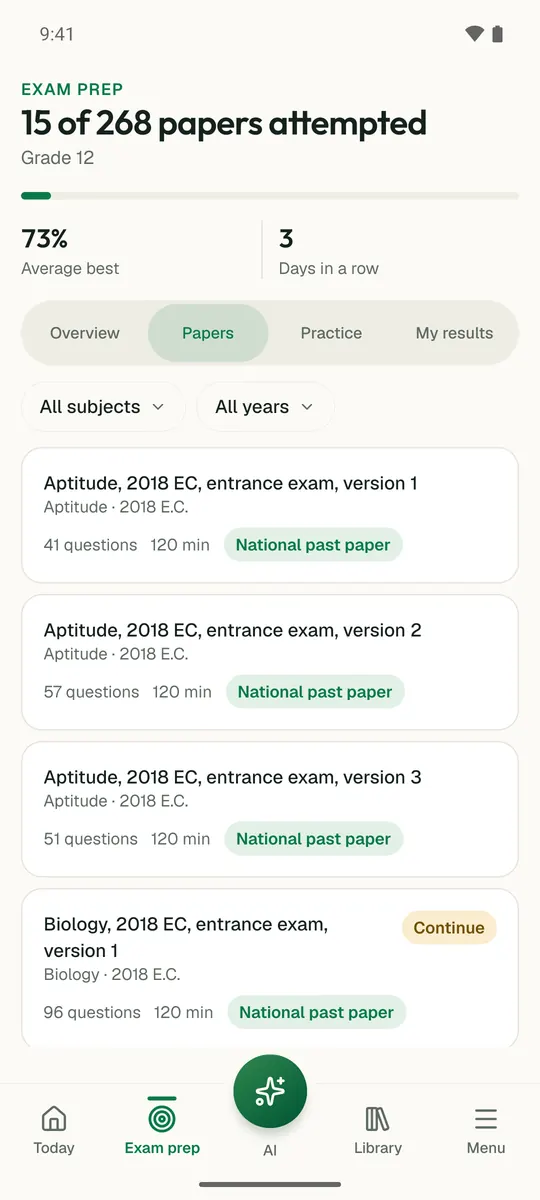
Temari turns this chapter into timed practice and marks it as you go, with an AI tutor to explain anything that did not land.

Start free

Temari.et is also an Android app, free on Google Play.

Sign inCreate your account