
Grade 12 results are out. Where to check yours

Unit notes and practice questions

Grade 10 Information Technology unit 1: Organization of files

Everything here is for unit 1 of the Grade 10 Information Technology textbook: what the chapter covers, the short notes, practice questions with their answers, and the lesson video where one exists.

Get it on Google Play
4
Cards
10
Practice questions on unit 1
1–35
The textbook pages for unit 1

What unit 1 covers

  1. 1.File Management
  2. 2.Storage Drives
  3. 3.File Name Extension
  4. 4.File Directory Structure
  5. 5.File Conversion
  6. 6.File Importing and Exporting
  7. 7.Saving and Opening Files
  8. 8.File Backup and Recovery
  9. 9.File Compression
  10. 10.Deleting a File
  11. 11.Restoring Deleted File
  12. 12.Unit Review Exercise

Short notes for unit 1

The cards filed under this chapter on the Grade 10 Information Technology page. Open one at a time.

When you use it

Use when locating files in a hierarchical tree directory structure.

Watch out

An absolute path always starts from the root directory and provides the complete path. A relative path starts from the current working directory.

Drafted from Grade 10 Information Communication Technology, pages 1-35, then checked twice before it went up

When you use it

Use when determining if a deleted file can be recovered.

Watch out

Files deleted with Shift plus Delete bypass the Recycle Bin completely and cannot be restored using the Recycle Bin restore feature.

Drafted from Grade 10 Information Communication Technology, pages 1-35, then checked twice before it went up

When you use it

Use when distinguishing computer storage hardware from hardware communication software.

Watch out

A drive is a physical or cloud storage device assigned a drive letter. A driver is software that enables hardware devices to communicate with the operating system.

Drafted from Grade 10 Information Communication Technology, pages 1-35, then checked twice before it went up

When you use it

Use when transferring data between different programs and file formats.

Watch out

Importing brings data from an external file into an active program. Exporting writes data from an active program into an external file.

Drafted from Grade 10 Information Communication Technology, pages 1-35, then checked twice before it went up

Practice questions on unit 1

10 multiple-choice questions written against this chapter, each with its answer and the reason. Try one before you open the answer.

Question 1

What is the process of organizing and keeping track of files and folders so that information is easily located?

  1. A.File conversion
  2. B.File management
  3. C.File compression
  4. D.File recovery
Show the answer and why

Answer: B File management

Why

According to the textbook, file management is the process of organizing and keeping track of files and folders to help you stay organized so information is easily retrieved.

Question 2

Which file extension indicates a spreadsheet file?

  1. A..xlsx
  2. B..docx
  3. C..mp3
  4. D..jpg
Show the answer and why

Answer: A .xlsx

Why

The extension .xlsx (or .xls) is used for spreadsheet files, such as those created in Microsoft Excel.

Question 3

In a personal computer running Windows, which drive letter is assigned by default to the primary hard drive?

  1. A.A:
  2. B.B:
  3. C.C:
  4. D.E:
Show the answer and why

Answer: C C:

Why

Computers containing a hard drive always have that default hard drive assigned to the C: drive letter.

Question 4

Where does Microsoft Windows temporarily store deleted files and folders?

  1. A.Root directory
  2. B.Recycle Bin
  3. C.Cloud drive
  4. D.Taskbar
Show the answer and why

Answer: B Recycle Bin

Why

The Recycle Bin is the location where deleted files or folders are temporarily stored in all versions of the Windows operating system.

Question 5

An office clerk in Hawassa moves data out of an active spreadsheet program and saves it into a CSV text file. What is this process called?

  1. A.File import
  2. B.File export
  3. C.File recovery
  4. D.File restoration
Show the answer and why

Answer: B File export

Why

File export is the process of taking information from a program and putting it into a file, such as exporting an Excel spreadsheet to a CSV file.

Question 6

What is the primary result of file compression (zipping)?

  1. A.The logical size of the file is reduced to save disk space and transmit faster.
  2. B.The file extension is permanently changed into an audio format.
  3. C.The contents are converted into an executable database program.
  4. D.The file is automatically uploaded to a remote cloud server.
Show the answer and why

Answer: A The logical size of the file is reduced to save disk space and transmit faster.

Why

File compression reduces the logical size of a file to save disk space and allow easier, faster transmission over a network or the Internet.

Question 7

Which keyboard shortcut permanently deletes a selected file from a computer without sending it to the Recycle Bin?

  1. A.Ctrl + Delete
  2. B.Alt + Delete
  3. C.Shift + Delete
  4. D.Tab + Delete
Show the answer and why

Answer: C Shift + Delete

Why

Holding down the Shift key + Delete removes a file totally from the computer and prevents it from going to the Recycle Bin.

Question 8

What do you call a path that represents the complete name of a directory or file starting from the root directory (/) downward?

  1. A.Relative pathname
  2. B.Working pathname
  3. C.Delimited pathname
  4. D.Absolute pathname
Show the answer and why

Answer: D Absolute pathname

Why

An absolute pathname represents the complete name of a directory or file from the root directory downward.

Question 9

How does the Disk Operating System (DOS) differ from Windows regarding the length of a file extension?

  1. A.DOS file extensions are optional, while Windows extensions are required.
  2. B.DOS uses three characters, while Windows uses three or four characters.
  3. C.DOS uses unlimited characters, while Windows is strictly limited to three.
  4. D.DOS requires graphic icons, while Windows uses only character letters.
Show the answer and why

Answer: B DOS uses three characters, while Windows uses three or four characters.

Why

The textbook states that DOS limits file extensions to three characters, Windows uses three or four characters, and Unix-based systems use unlimited characters.

Question 10

How does the textbook distinguish a device driver from a computer drive?

  1. A.A driver is a group of files that enables hardware to communicate with the operating system.
  2. B.A driver is a physical hardware disk used to store user files permanently.
  3. C.A driver is a cloud service providing web-based remote storage space.
  4. D.A driver is the top root directory in a hierarchical file structure.
Show the answer and why

Answer: A A driver is a group of files that enables hardware to communicate with the operating system.

Why

A driver is software (a group of files) that enables hardware devices such as printers to communicate with the operating system, whereas a drive is a storage hardware component.

The app holds 12 questions on this unit, marked as you go. These are the first 10.

The textbook pages for unit 1

Unit 1 runs from page 1 to page 35 of the Ministry of Education edition.

Ministry of Education edition, English, 234 pages

Download the PDF

Practise this unit in the app

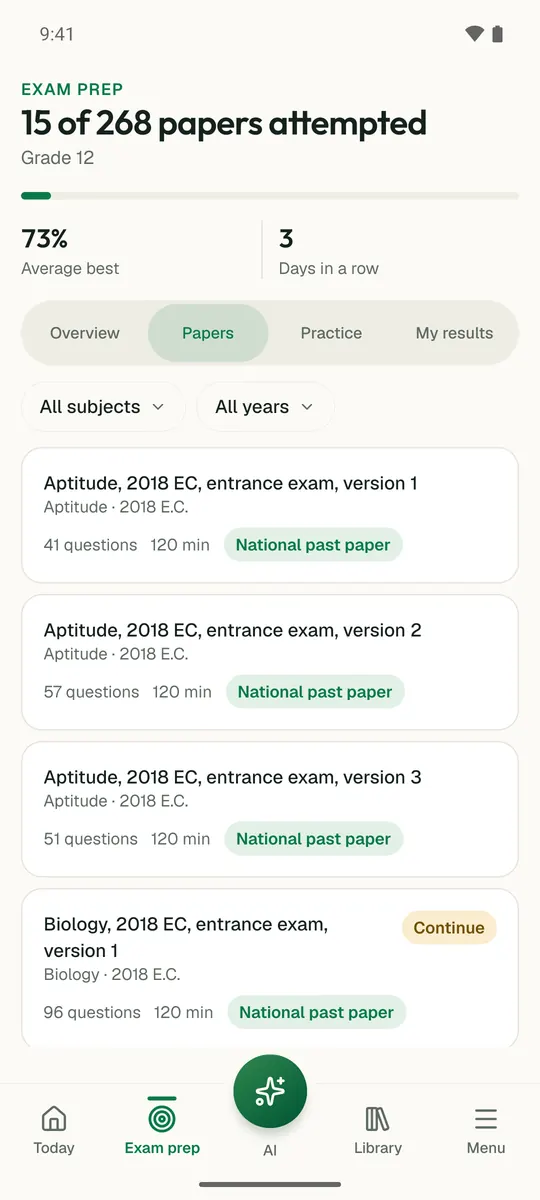
Temari turns this chapter into timed practice and marks it as you go, with an AI tutor to explain anything that did not land.

Start free

Temari.et is also an Android app, free on Google Play.

Sign inCreate your account